
 BeforeAfter
01
Automatic watermark detection
Remove common text watermarks, logos, stamps, and overlays without selecting every pixel by hand.
Remove watermarks, logos, text, stamps, timestamps, and unwanted overlays from images you own or have permission to edit. Upload a photo, let the AI Watermark Remover clean it, then download a sharper result without Photoshop.
Use Whisk AI Watermark Remover to erase visible watermarks from photos in a few clicks. The tool is built for logos, text watermarks, date stamps, signatures, product labels, and semi-transparent overlays on images you are allowed to modify. Upload your file, run AI cleanup, and download a cleaner photo ready for ecommerce listings, social posts, presentations, or internal review.
Remove Watermark with AI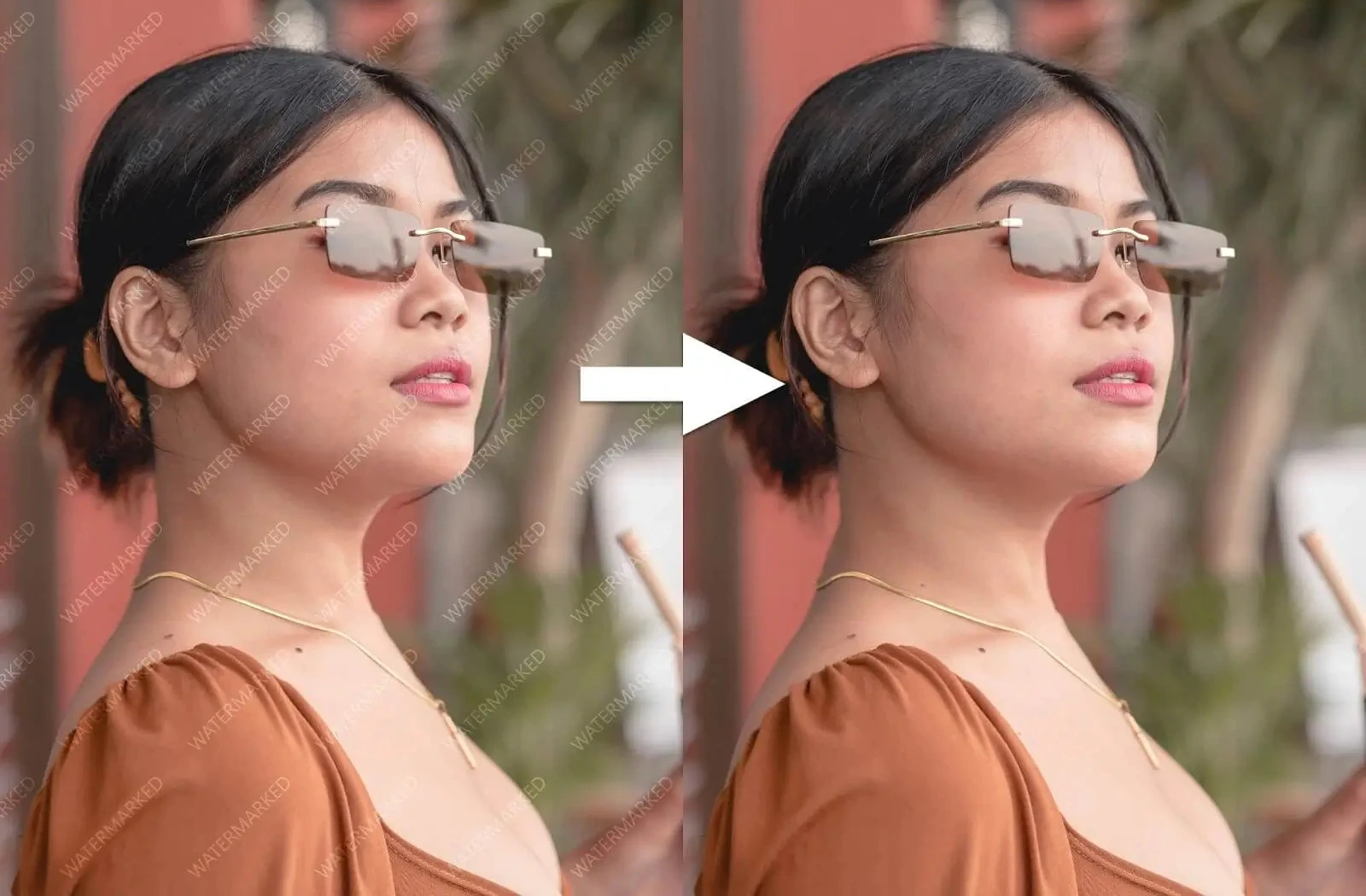
No editing skills, layers, or clone-stamp work. Upload the image, let the AI Watermark Remover rebuild the marked area, then save the cleaned result.

Drop in a JPG, PNG, or WEBP image with a watermark, logo, text overlay, timestamp, or stamp you need to remove.
The AI Watermark Remover scans the image, targets the marked area, and fills the background so the result looks natural.
Review the finished result in the workspace, choose your output format, and keep the removal in saved history.
Whisk keeps watermark removal simple: one upload, one AI cleanup task, and a clean download flow for images you have the rights to edit.
BeforeAfterRemove common text watermarks, logos, stamps, and overlays without selecting every pixel by hand.
 BeforeAfter
AI inpainting helps restore the area behind the mark and reduce the blur or smudging that basic eraser tools leave behind.
 BeforeAfter
Run watermark removal in the browser for product photos, creator assets, design drafts, and review images without opening Photoshop.
 BeforeAfter
Export the cleaned image as PNG, JPG, or WEBP and keep completed jobs organized in dedicated watermark-removal history.
Use AI watermark removal when the image is right, but a visible mark, logo, timestamp, or label gets in the way.
Remove internal review labels, temporary export marks, or proof stamps from approved creative assets.
Clean supplier stamps, outdated badges, and distracting overlays from product imagery you control.
Remove old campaign labels before resizing, localizing, or adapting visuals for new ads and social channels.
Erase unwanted text, timestamps, or platform marks from thumbnails, previews, and social graphics you can edit.
Quick answers about supported files, photo quality, saved results, and responsible AI watermark removal.
Still deciding how to structure image tools? Talk to us
Upload a watermarked image, let the AI Watermark Remover clean logos, text, stamps, or overlays, and download a polished result.