01
Direct scenes with plain words
Type a single sentence or a full shot list and Veo 3.1 turns it into coherent motion with camera moves, lighting, and native audio.
Turn a prompt, photo, or reference clip into polished motion with Seedance 2.0 and Veo 3.1 — complete with native audio, camera control, and an upfront credit estimate.
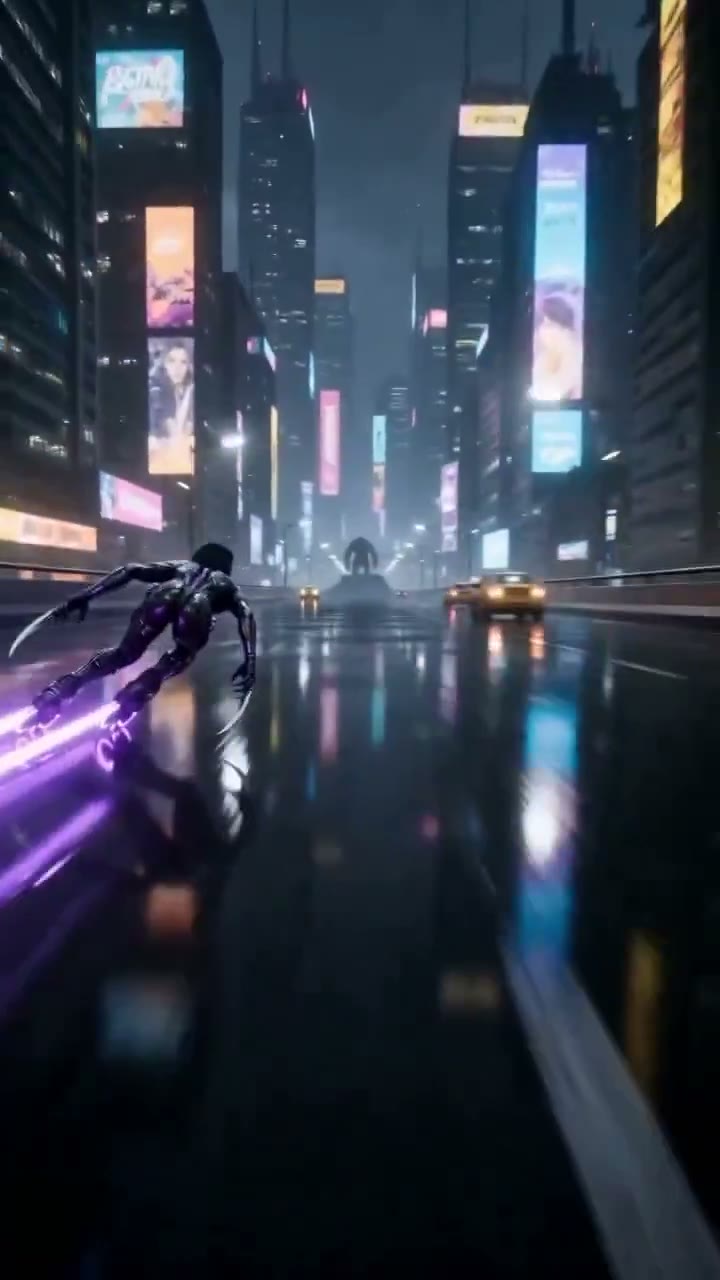
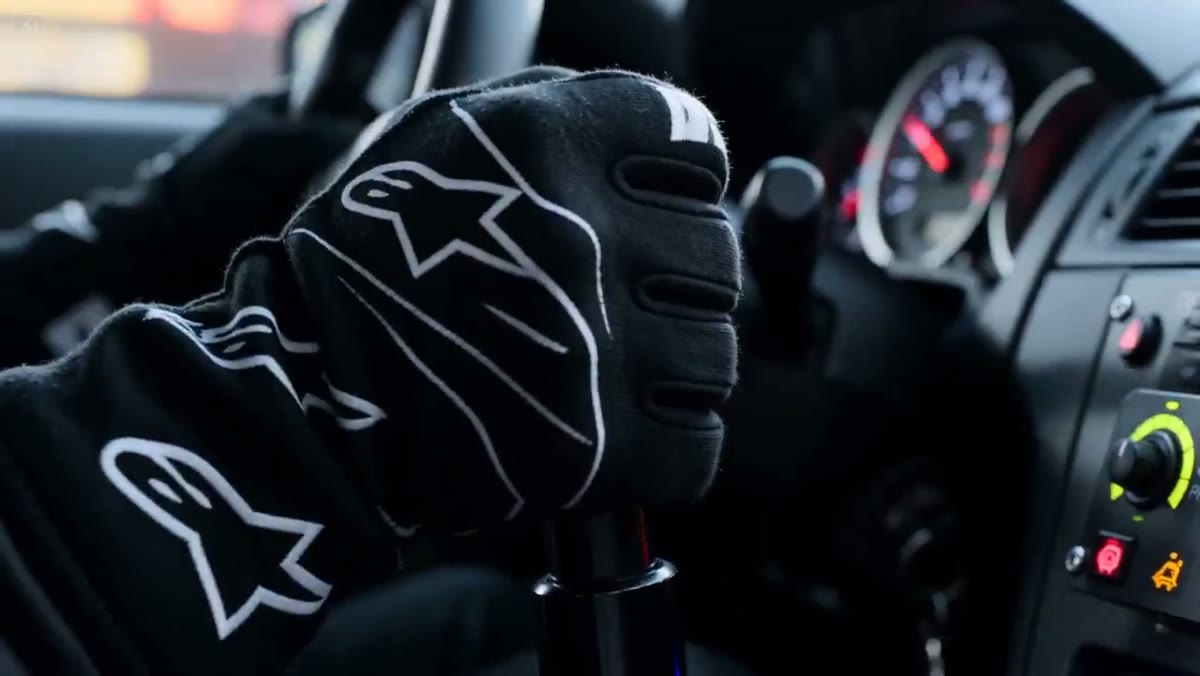
Prompt: Neon street racing through a rain-soaked city, dynamic tracking shots and seamless cinematic transitions.
Prompt: Neon street racing through a rain-soaked city, dynamic tracking shots and seamless cinematic transitions.
See what one prompt can set in motion
Start creating for freeThe Whisk AI Video Generator runs Google Veo 3.1 and Seedance 2.0 in one workspace. Describe a scene in plain words, animate a photo, bridge a first and last frame, or lock a character with reference images — the exact credit cost is shown before every render, and every take is saved to your history.
Start GeneratingFrom idea to finished clip in three steps — no timeline, no plugins, no render farm.
Choose text to video, image to video, frames to video, or reference to video, then select the Veo or Seedance tier that fits your budget.
Write a prompt, drop in a photo or first and last frames, and set duration, aspect ratio, and resolution.
Check the credit estimate on the button, generate, then preview and download your clip — failed renders are refunded automatically.
Four generation modes cover everything from quick social loops to storyboarded sequences.
Type a single sentence or a full shot list and Veo 3.1 turns it into coherent motion with camera moves, lighting, and native audio.
Image to video animates a product shot, portrait, or artwork into smooth footage while keeping your original composition intact.
Set a start frame and an end frame and Seedance 2.0 fills the in-between — built for transitions, reveals, and logo stings.
Reference to video locks faces, outfits, and style across shots, so a multi-clip story reads as one continuous world.
Creators, marketers, and studios use Whisk to ship video without a camera crew.
Spin static packshots into scroll-stopping motion for marketplaces, landing pages, and paid social — no studio booking required.
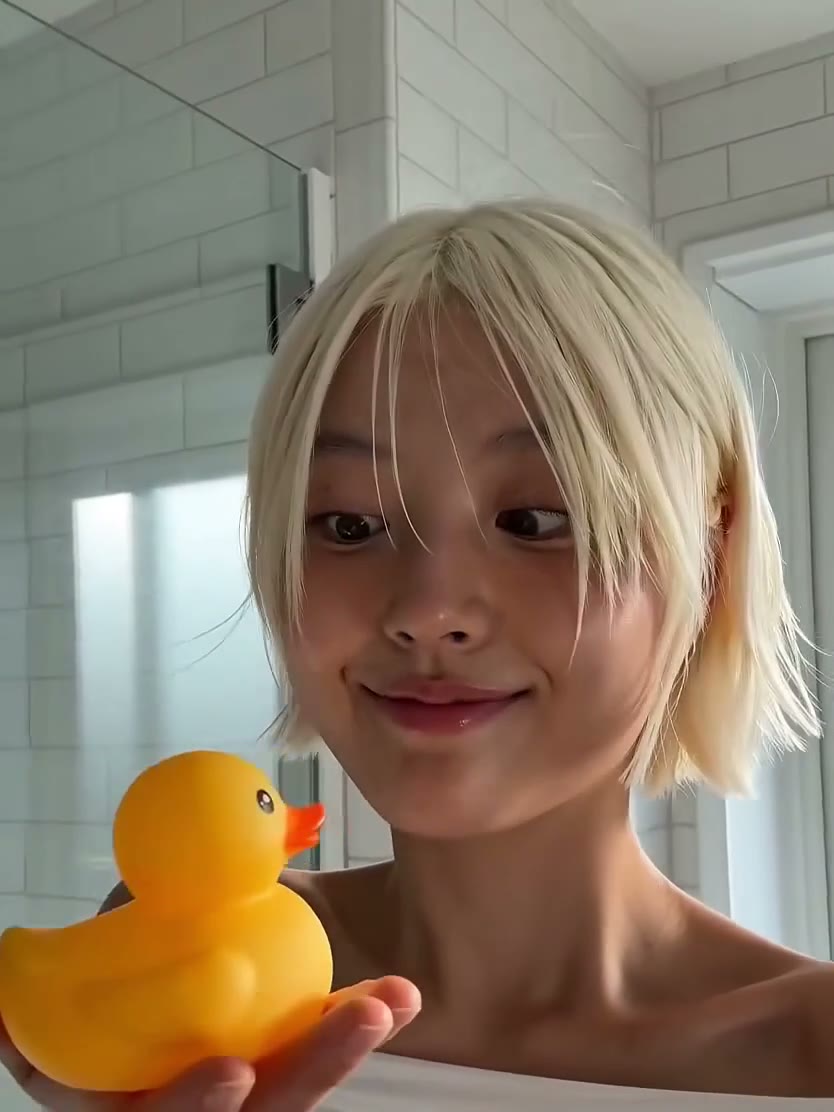
Turn prompts and photos into vertical loops for TikTok, Reels, and Shorts while keeping one consistent look across your calendar.
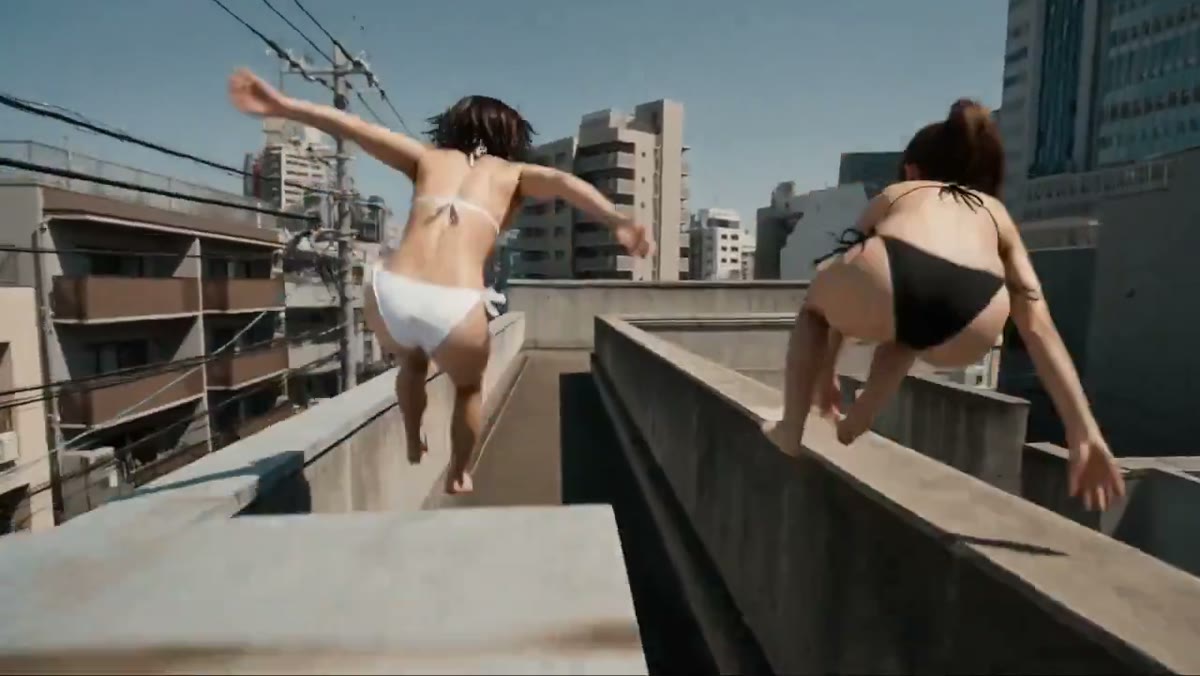
Test camera moves, blocking, and mood with cinematic clips before you commit budget to a real shoot.
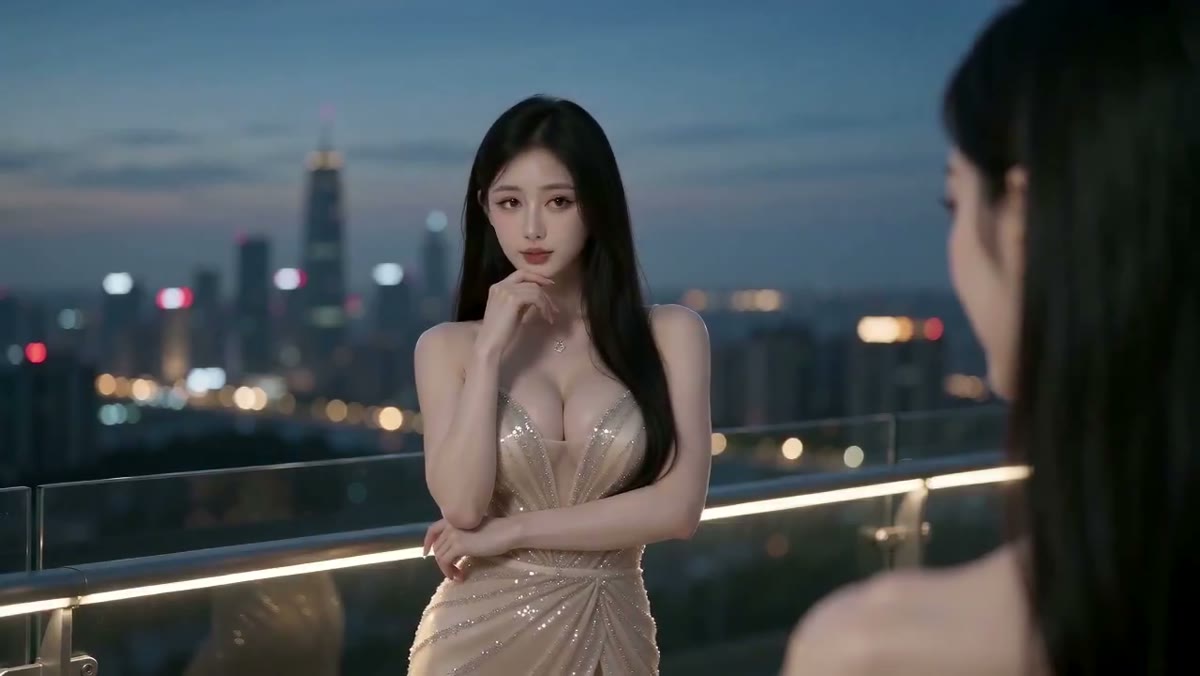
Animate key visuals, logo frames, and website heroes so your brand moves the same way everywhere.
Model choice, credits, and output details — answered before you render.
Still comparing video models? Talk to us
Start from a prompt, a photo, or two frames — render with Veo 3.1 or Seedance 2.0 and download your clip in minutes.