
 BeforeAfter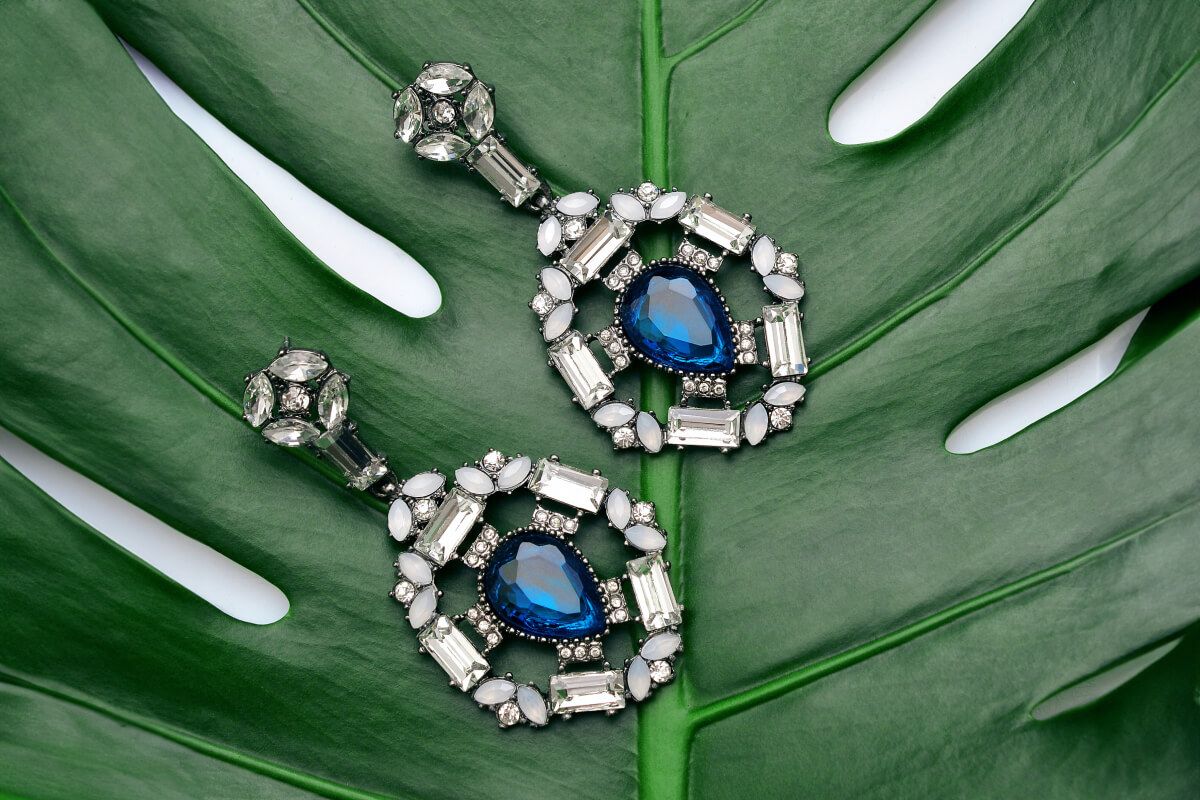
01
Clean transparent cutouts
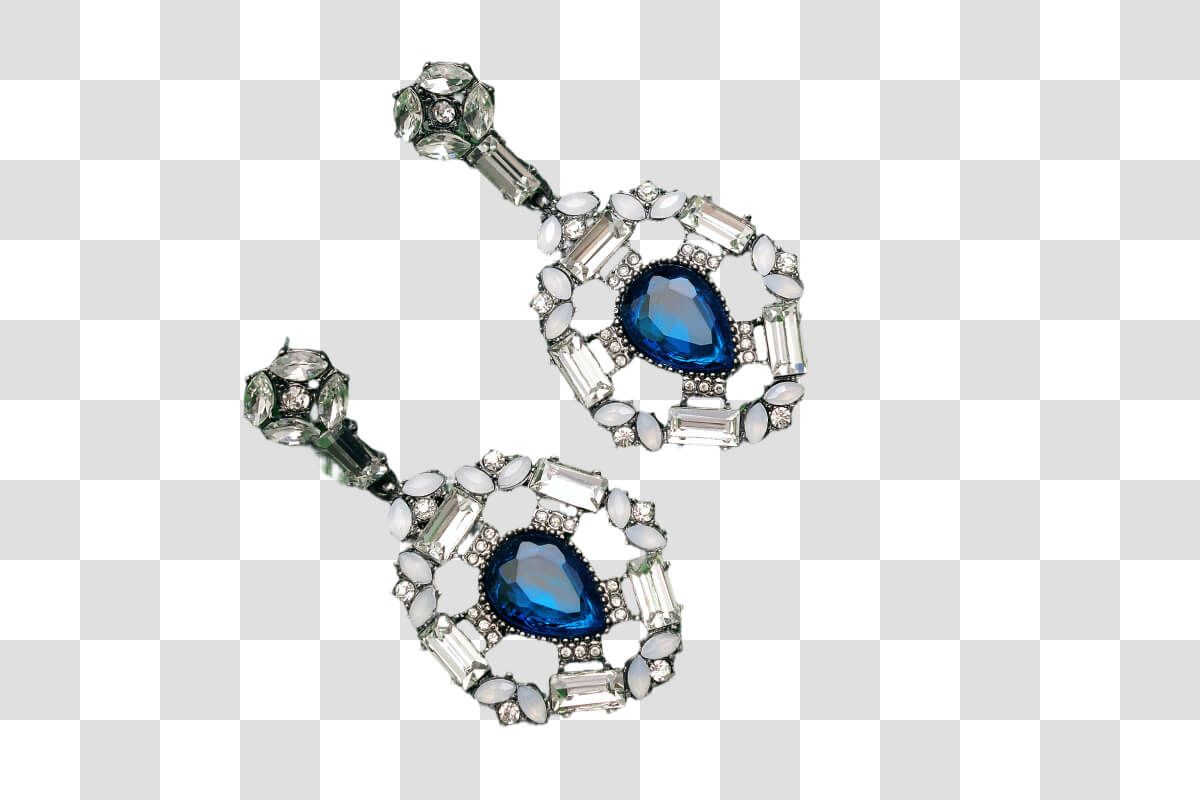
Create crisp PNG cutouts for catalogs, profile images, stickers, thumbnails, and product cards without tracing the subject by hand.
Remove image backgrounds from product photos, portraits, logos, and social assets in seconds. Upload a photo, let AI isolate the subject, and download a clean transparent PNG without Photoshop or manual masking.
Whisk AI Background Remover detects the subject in your photo and erases the surrounding background automatically. Use it to make transparent product images, profile photos, logo cutouts, stickers, thumbnails, and campaign assets without Photoshop. Upload a JPG, PNG, or WEBP file, remove the background online, and download a high-quality transparent result ready for ecommerce, social media, and design workflows.
Remove Background with AI
No layers, clipping paths, or manual masking. Upload your image, let AI remove the background, then download a transparent PNG or WEBP.
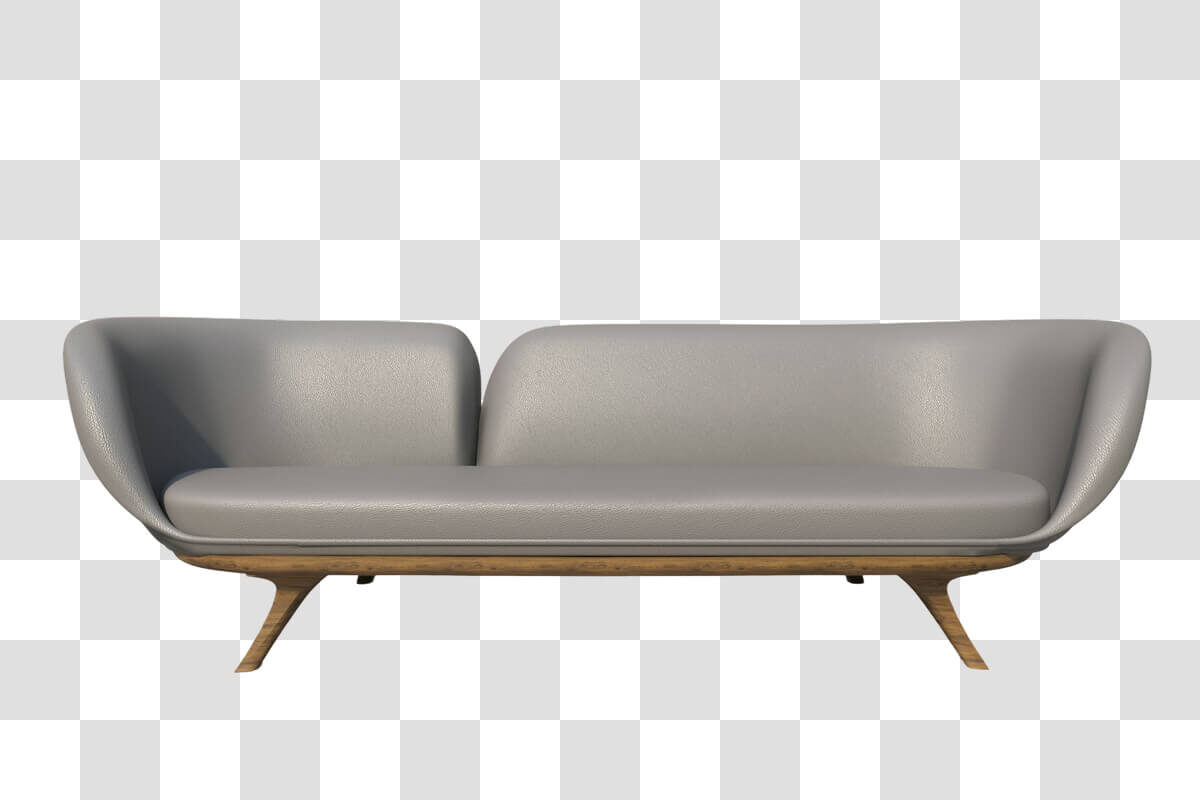
Start with a product shot, portrait, logo, thumbnail, or social image. JPG, PNG, and WEBP files are supported up to 10MB.
The AI Background Remover detects the foreground subject and clears the surrounding scene while keeping edges clean.
Review the result, export as PNG or WEBP, and keep finished cutouts organized in background-removal history.
Whisk keeps background removal fast and practical: upload one image, run AI cleanup, and get a transparent asset you can use right away.
BeforeAfterCreate crisp PNG cutouts for catalogs, profile images, stickers, thumbnails, and product cards without tracing the subject by hand.
Remove the background in your browser and keep every completed cutout separate from image generation and upscaling history.

AI subject detection helps preserve product outlines, hair, logos, and object edges so the final cutout feels clean.
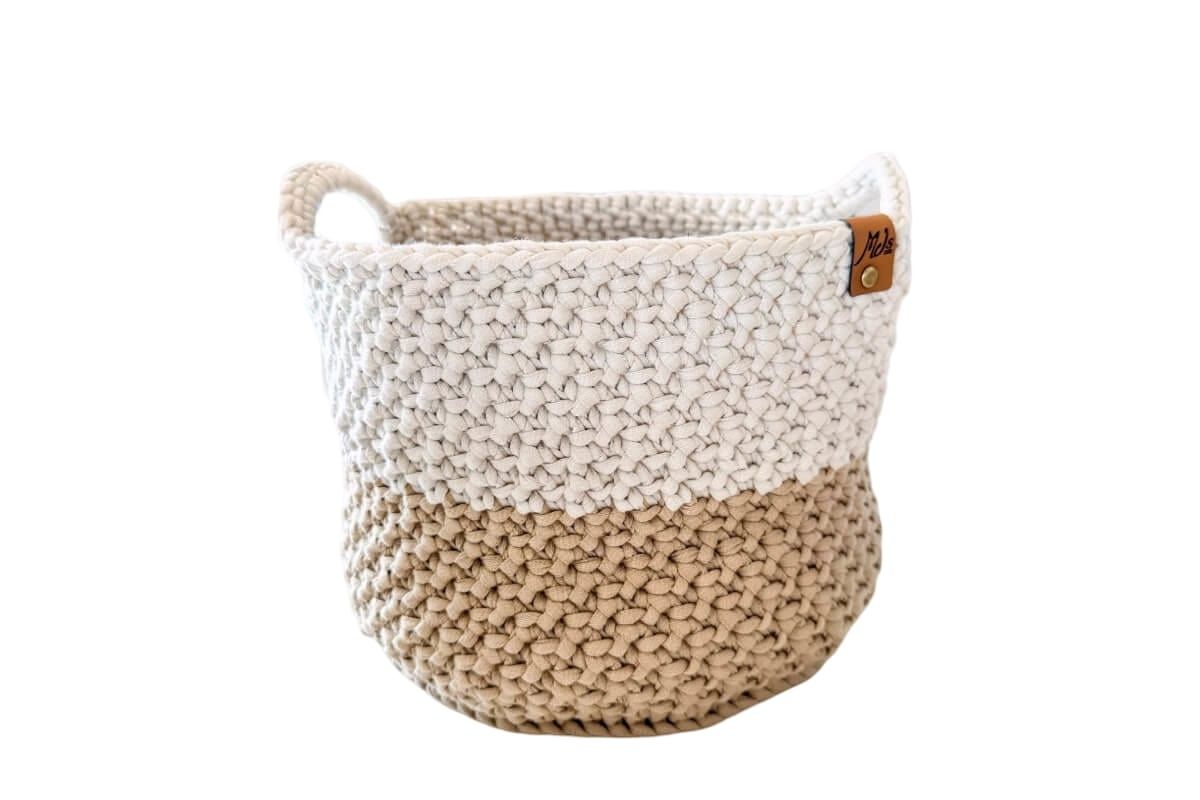
Use transparent outputs in marketplace listings, social posts, ad creatives, profile visuals, and lightweight design handoffs.
Use AI background removal when the subject is right, but the surrounding scene makes the image harder to sell, share, or reuse.
Turn busy supplier photos into transparent product images for listings, banners, marketplaces, and A/B tests.

Remove distracting backgrounds from headshots, creator portraits, profile images, and social avatars in a few clicks.
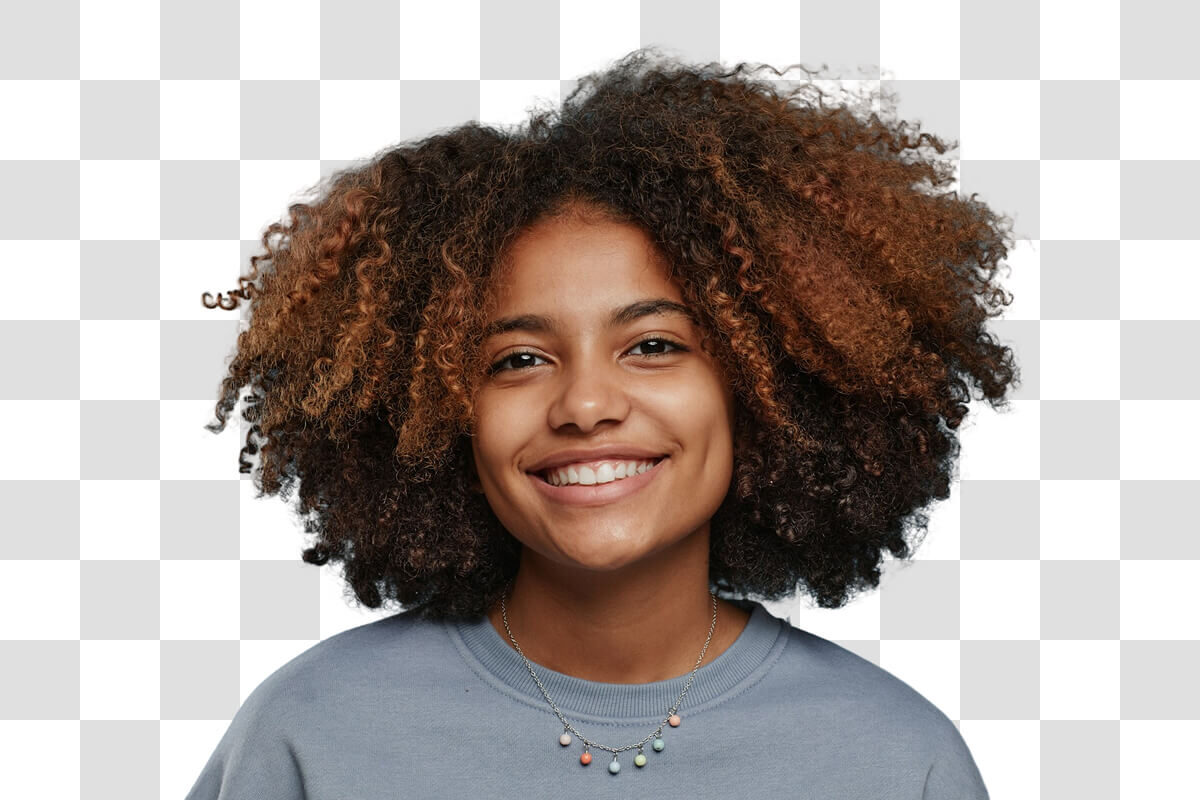
Create clean subjects for thumbnails, story graphics, campaign frames, collages, and fast social edits.
Give designers and operators transparent subject-only images that are easier to reuse across decks, layouts, and creative systems.
Quick answers about file formats, transparent downloads, saved results, and AI background removal quality.
Still deciding how to structure image tools? Talk to us
Upload a photo, let the AI Background Remover create a clean cutout, and download a transparent image for your next listing, post, or design.