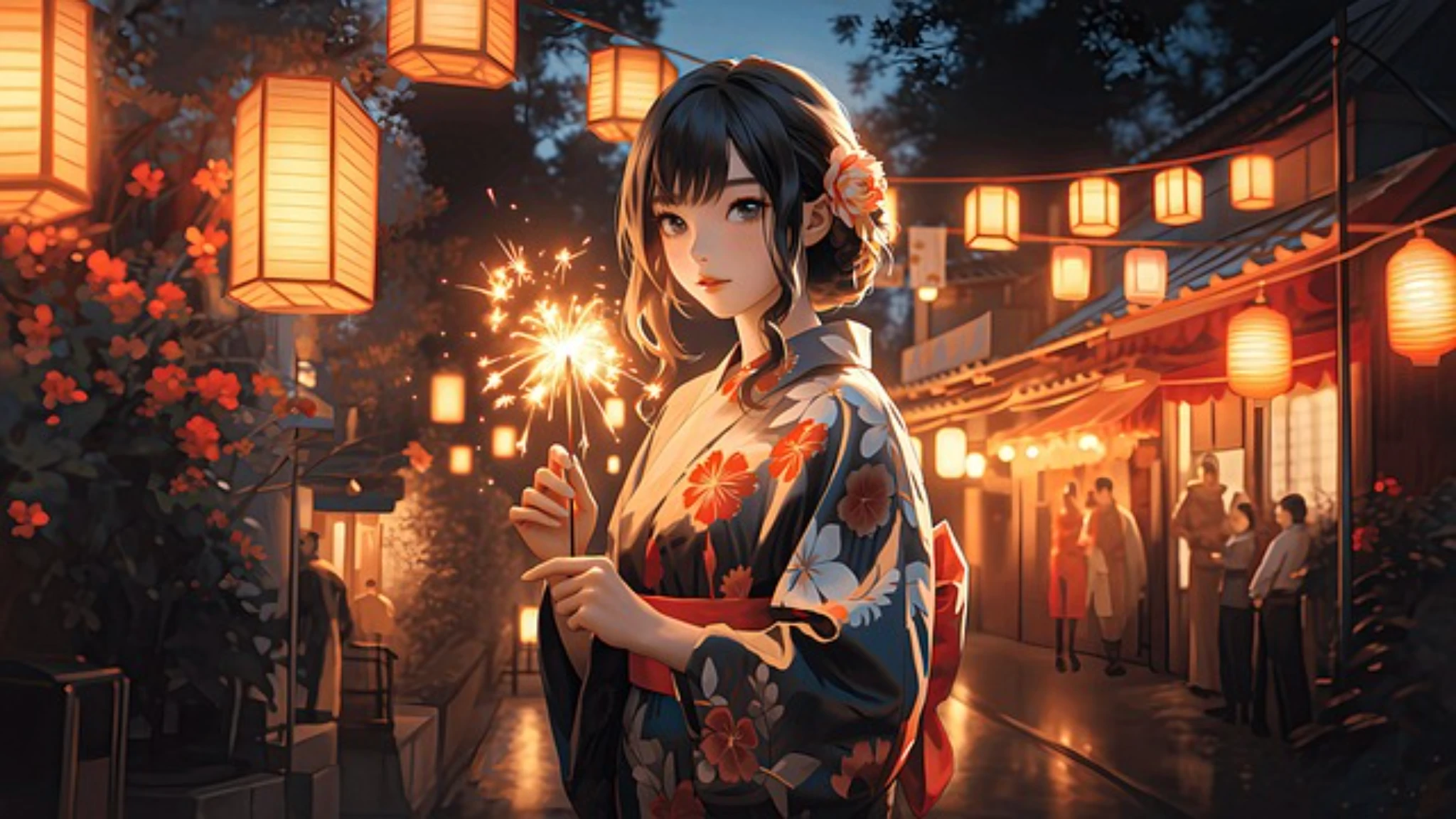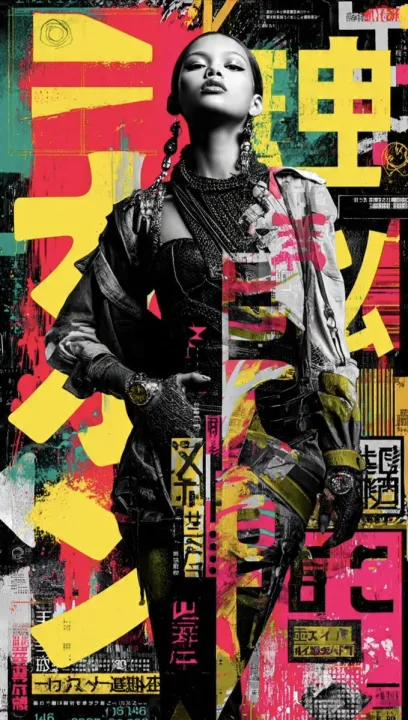
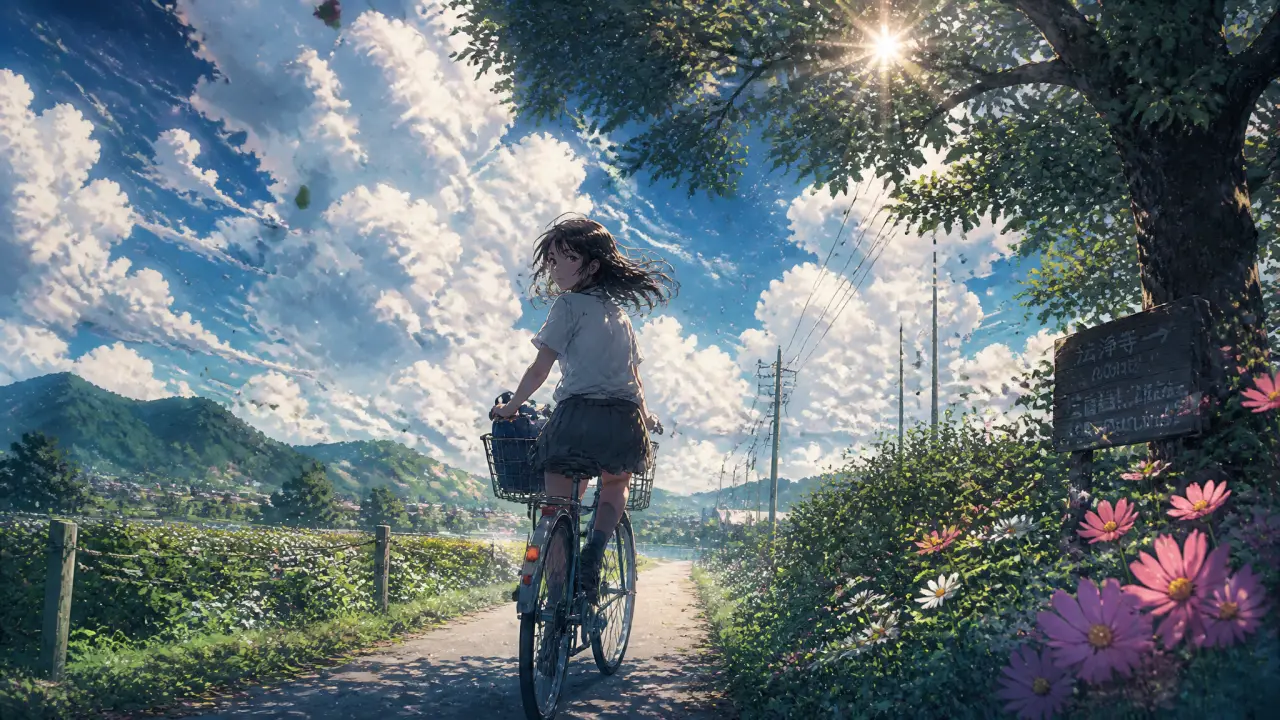
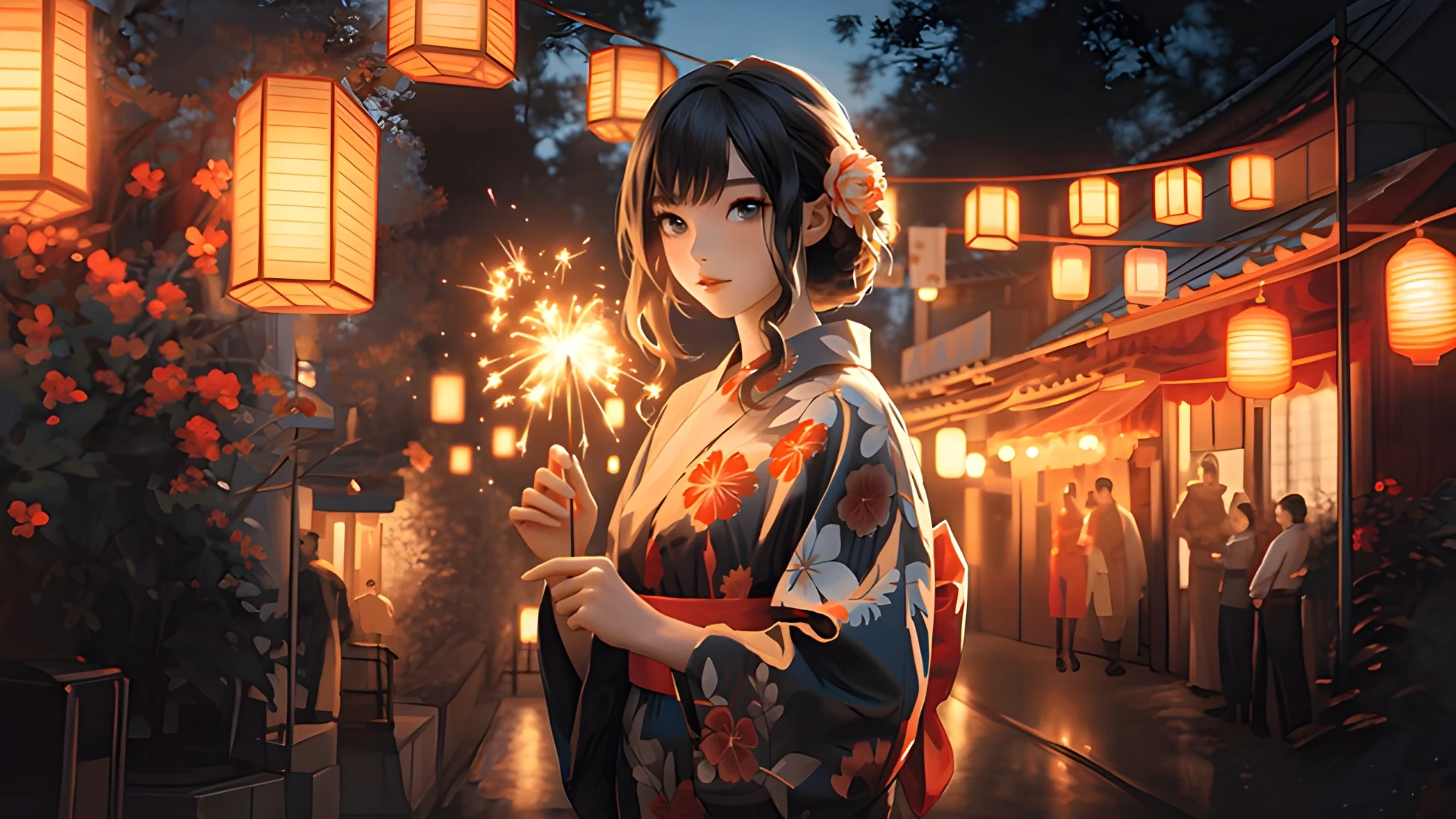
 BeforeAfter
01
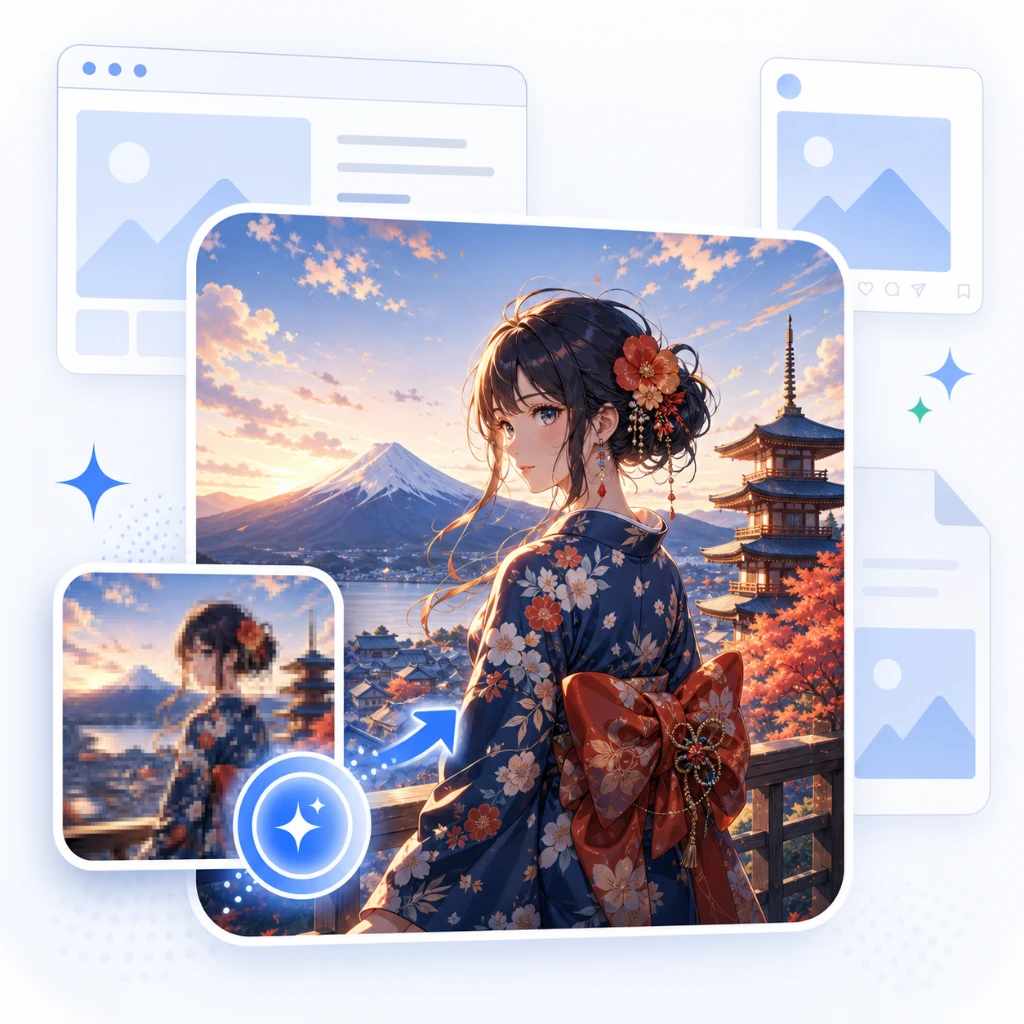
AI-powered HD upscaling
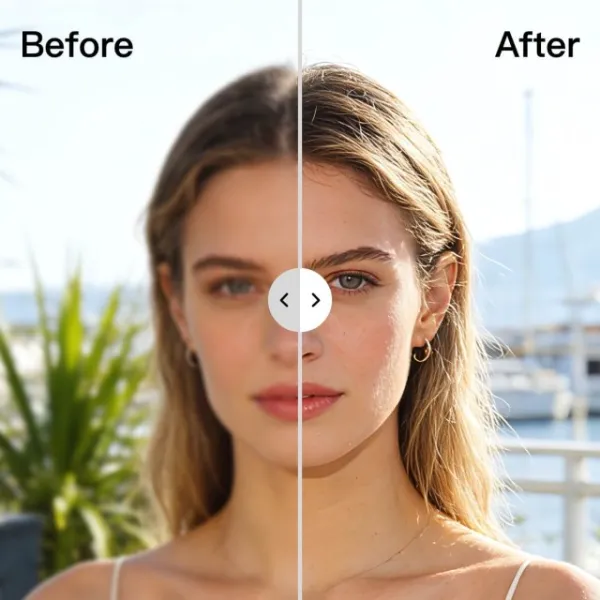
Increase image size while AI restores useful detail, edges, and texture instead of simply stretching pixels.
Upscale low-resolution photos, product shots, anime art, portraits, and social images online. AI enhances edges, textures, and detail so you can download a larger, sharper result without Photoshop.
Whisk AI Image Upscaler enlarges low-resolution images online while restoring detail that basic resizing tools lose. Upload a JPG, PNG, or WEBP photo, choose your scale, and let AI sharpen edges, improve texture, and reduce soft compression artifacts. Use it for product photos, portraits, anime images, old assets, social crops, and design references that need a cleaner HD version without opening Photoshop.
Upscale Image with AI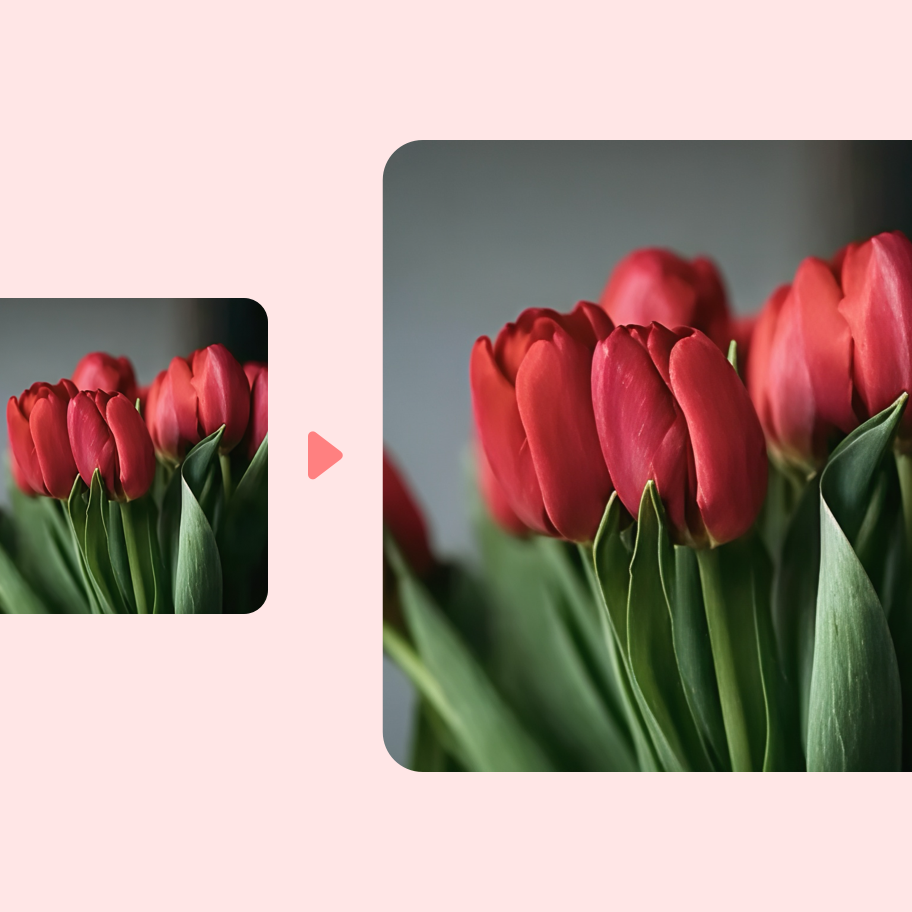
No complicated editor. Upload your image, choose how large you want it, and let AI create a sharper HD result.
Start with a compressed product photo, portrait, anime frame, old asset, or social crop. JPG, PNG, and WEBP are supported.
Select the scale you need for a larger output. AI enhances detail before the task starts, so the result is more than a stretched image.
Review the sharpened result, export as PNG, JPG, or WEBP, and keep finished upscales in saved history.
Whisk focuses the workflow on one job: make small or blurry images larger, cleaner, and easier to reuse.
BeforeAfterIncrease image size while AI restores useful detail, edges, and texture instead of simply stretching pixels.
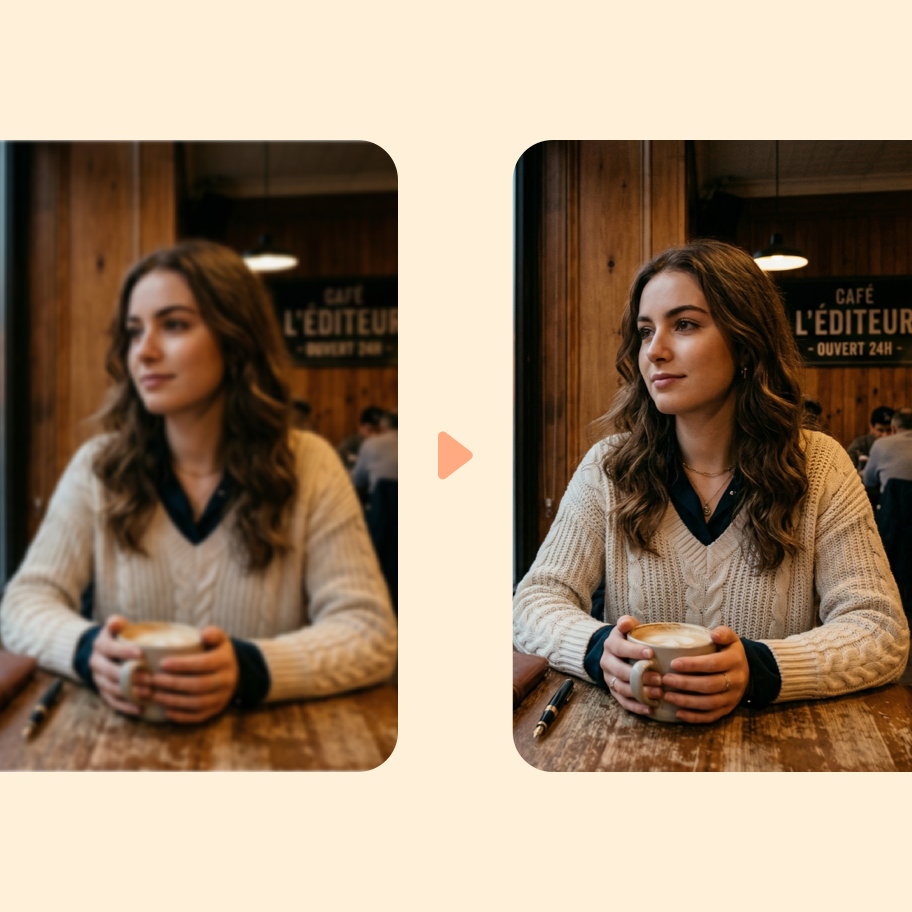
Improve soft product contours, small text, facial detail, anime linework, and compressed edges with controlled AI enhancement.
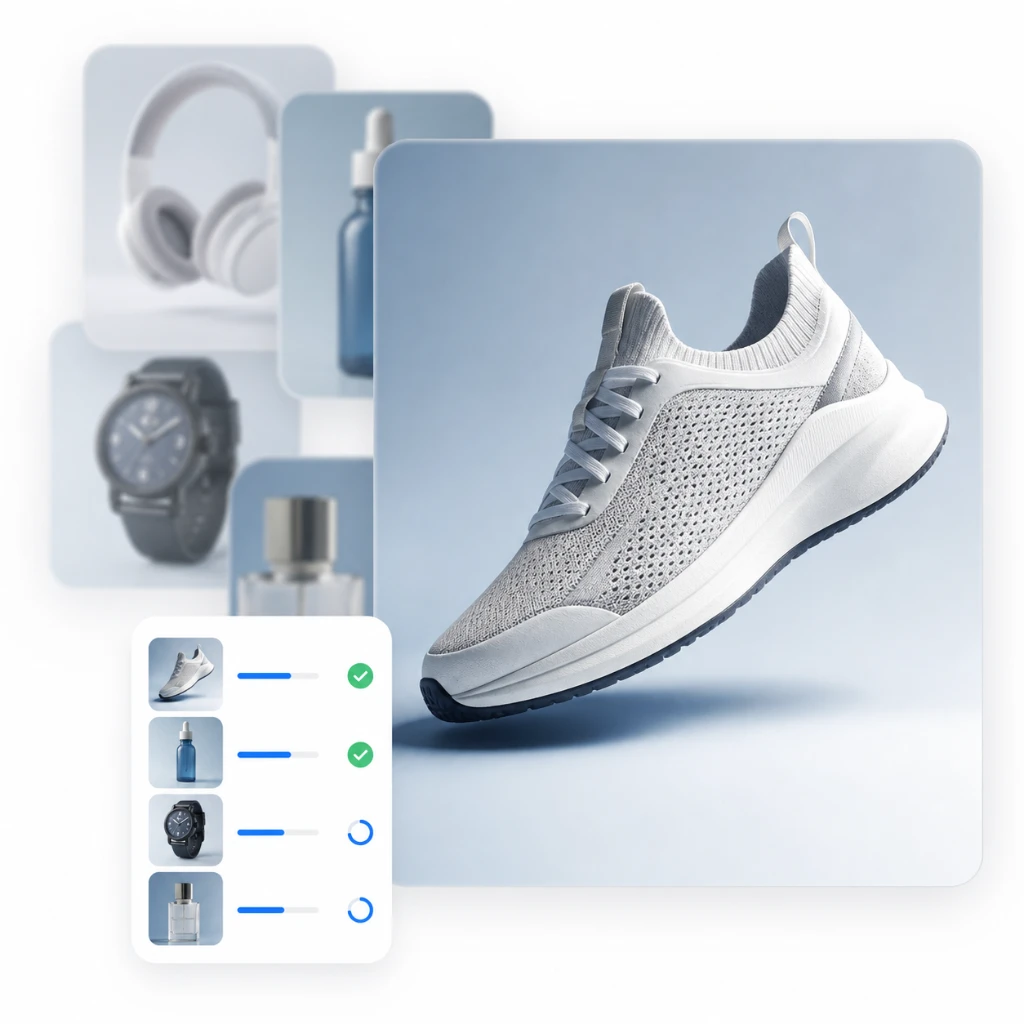
Upscale images in the browser, see the credit estimate before processing, and keep your place when sign-in is needed.
Export enhanced images as PNG, JPG, or WEBP and keep completed upscales organized for later downloads.
Use AI upscaling when the image idea is right, but the file is too small, blurry, compressed, or soft for the next channel.

Turn small supplier images, marketplace crops, and compressed product shots into cleaner publishing assets.
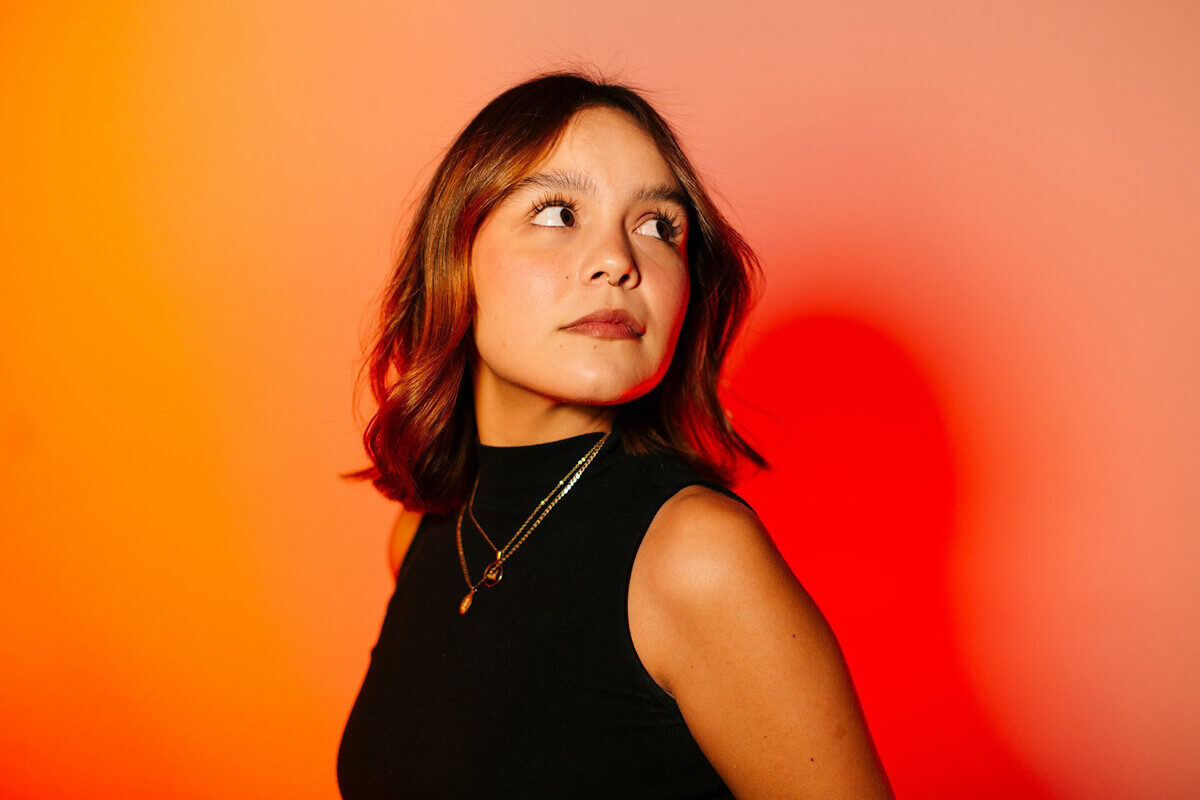
Prepare sharper square, portrait, and story assets when the original creative is too small for the placement.
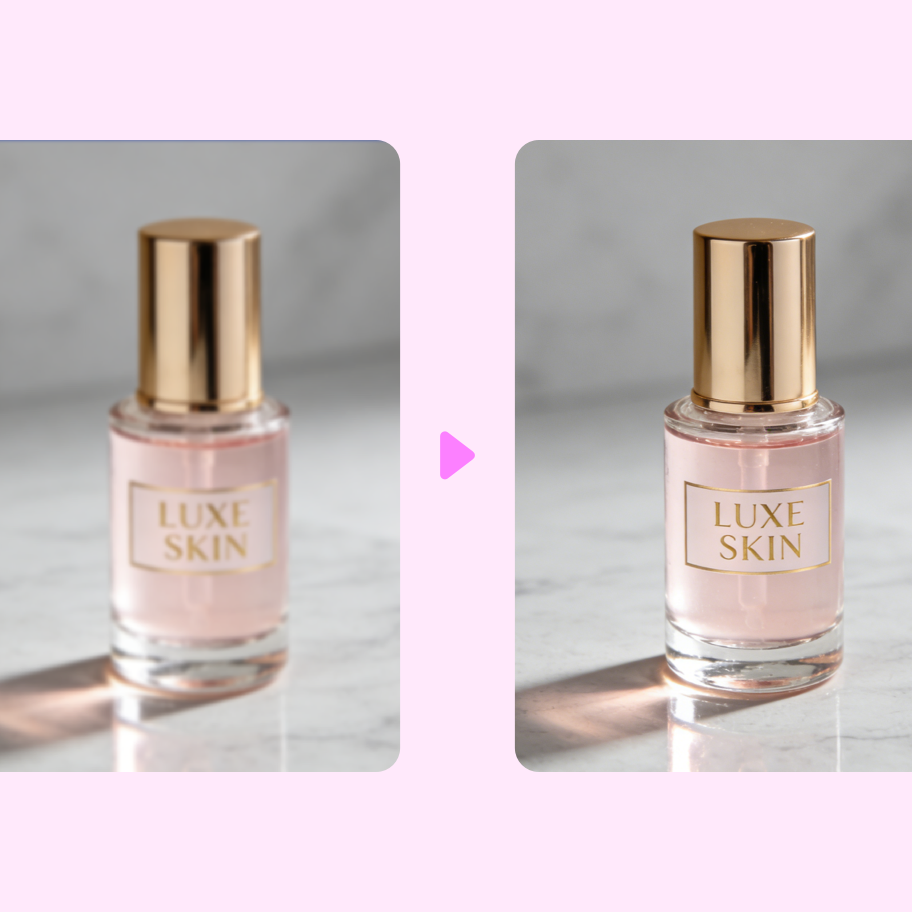
Improve older campaign images, screenshots, and archived visuals before reusing them in new production work.
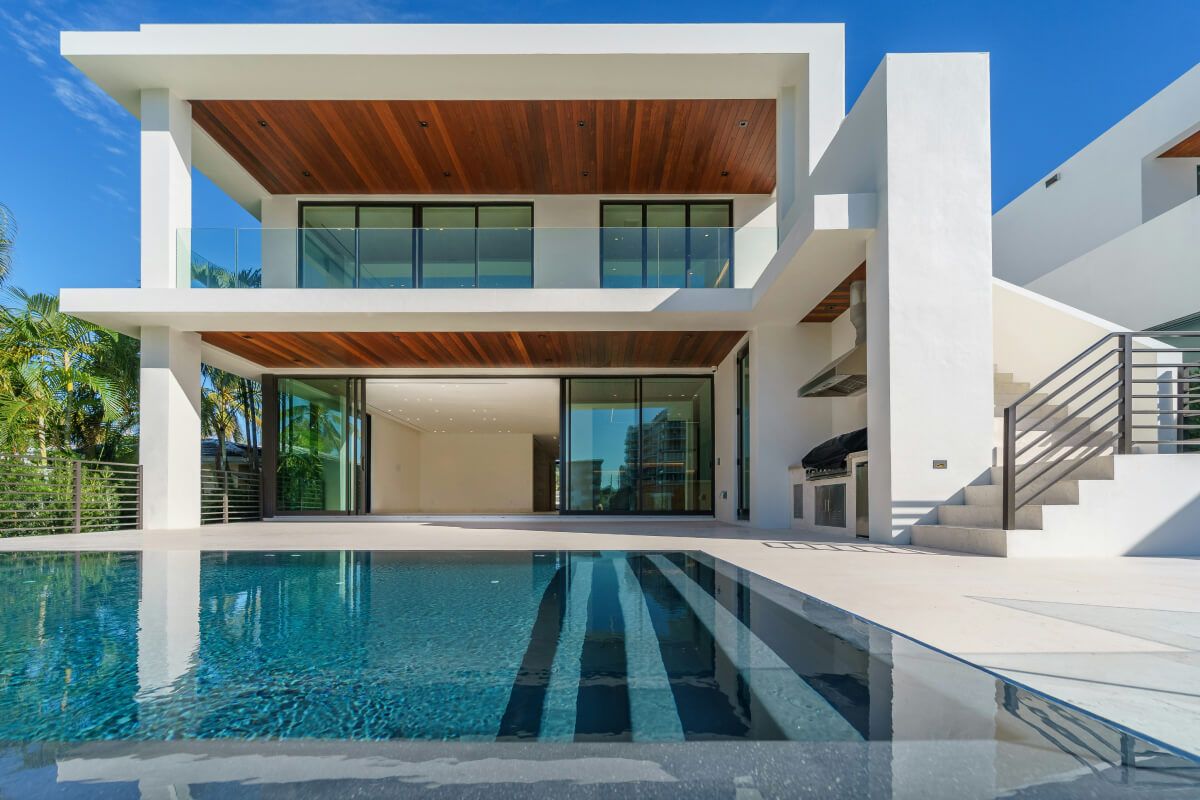
Upscale mockups, references, exported frames, and concept images before sharing them with clients or production tools.
Quick answers about scale, supported files, blur reduction, saved results, and AI image upscaling quality.
Still deciding how to structure image tools? Talk to us
Upload a low-resolution image, choose the scale, and let the AI Image Upscaler create a larger, cleaner result for download.